PowerGlide Motors & Accessories
E-Bike LCD with Rotary throttle, USB, 24V, 36V, 48V,V889 Color display for TF-100 kugoo M4 e-scooter UART No.2 Protocol
E-Bike LCD with Rotary throttle, USB, 24V, 36V, 48V,V889 Color display for TF-100 kugoo M4 e-scooter UART No.2 Protocol
Couldn't load pickup availability
SPECIFICATIONS
Brand Name: NONE
Choice: yes
High-concerned chemical: None
Origin: Mainland China
Voltage: 48V
is_customized: Yes
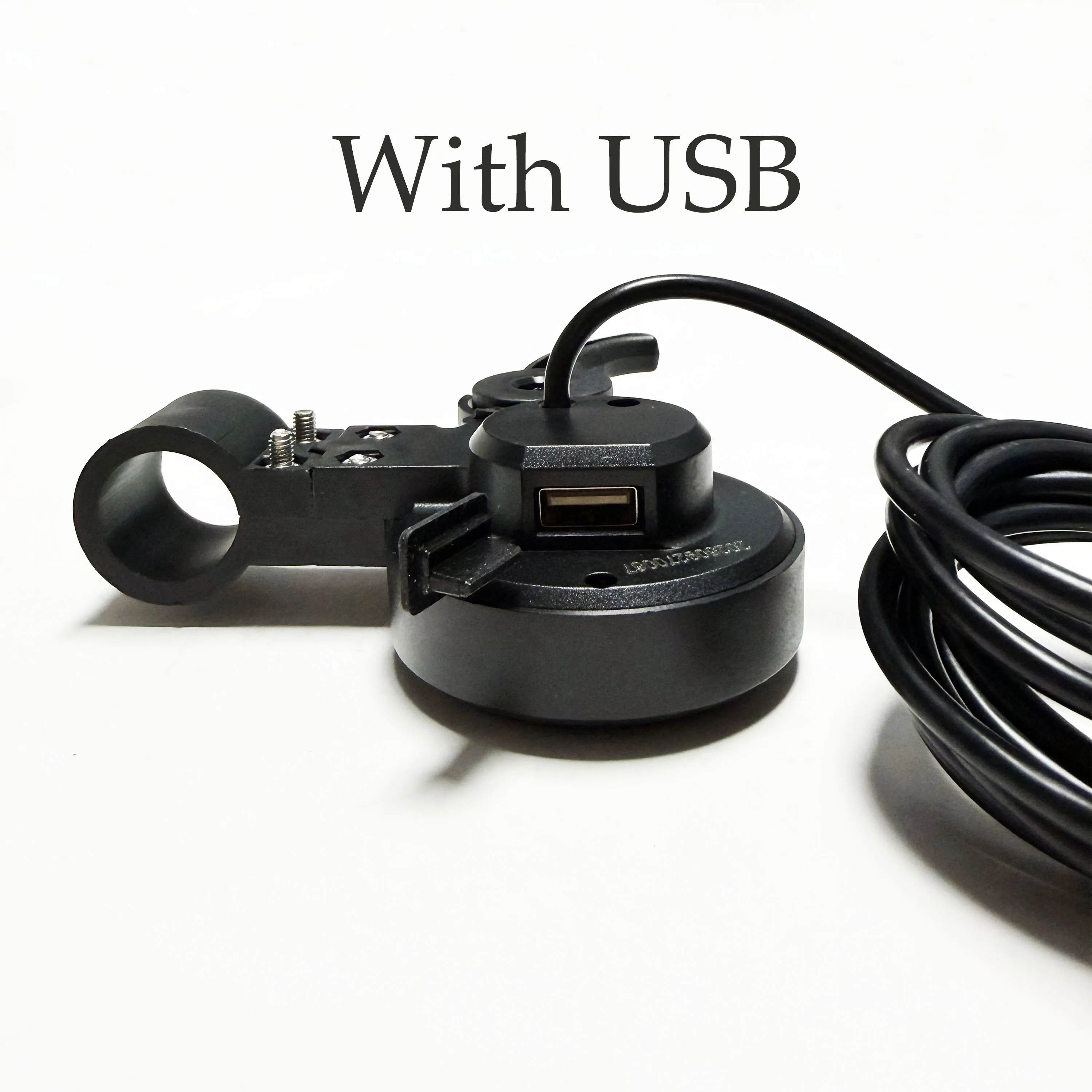
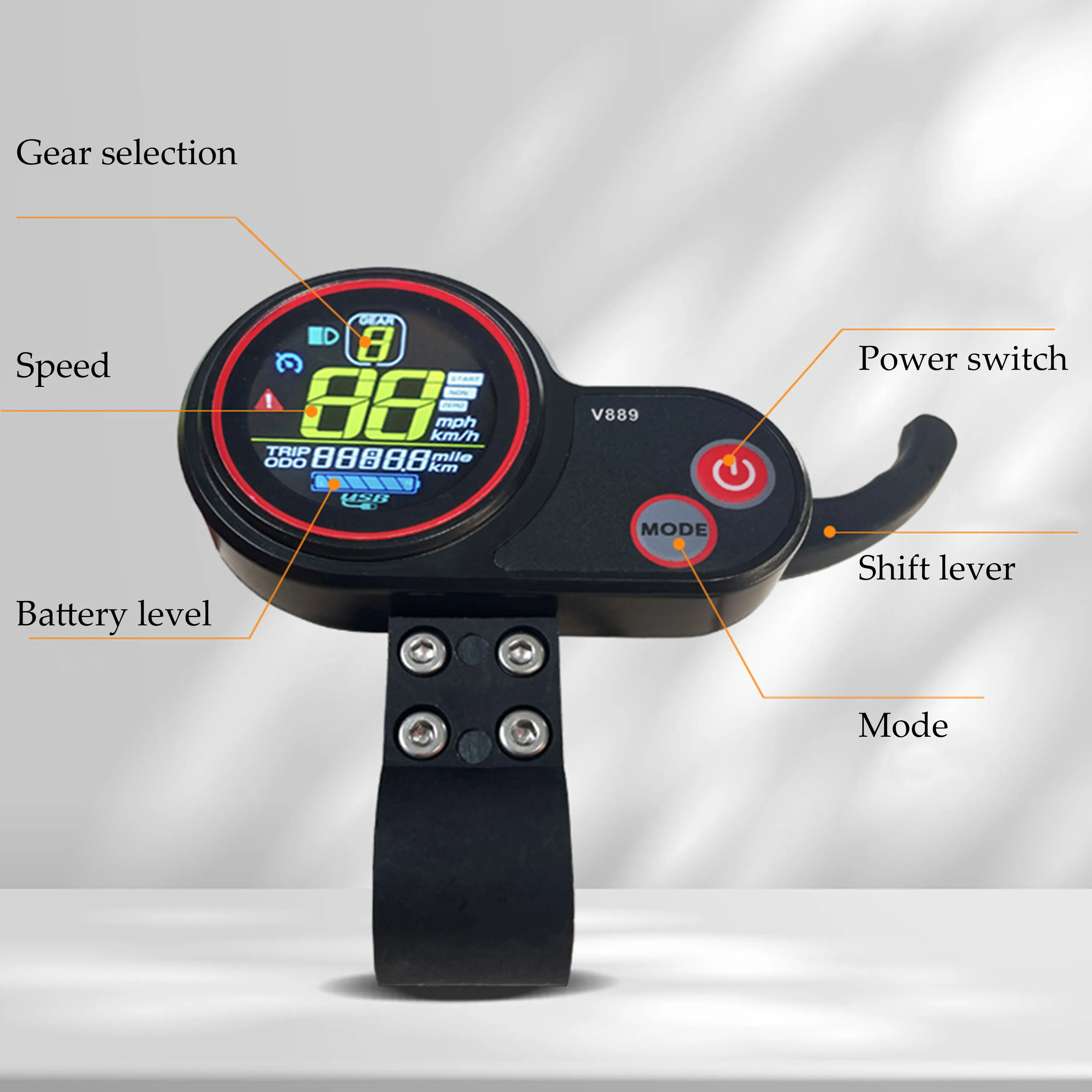
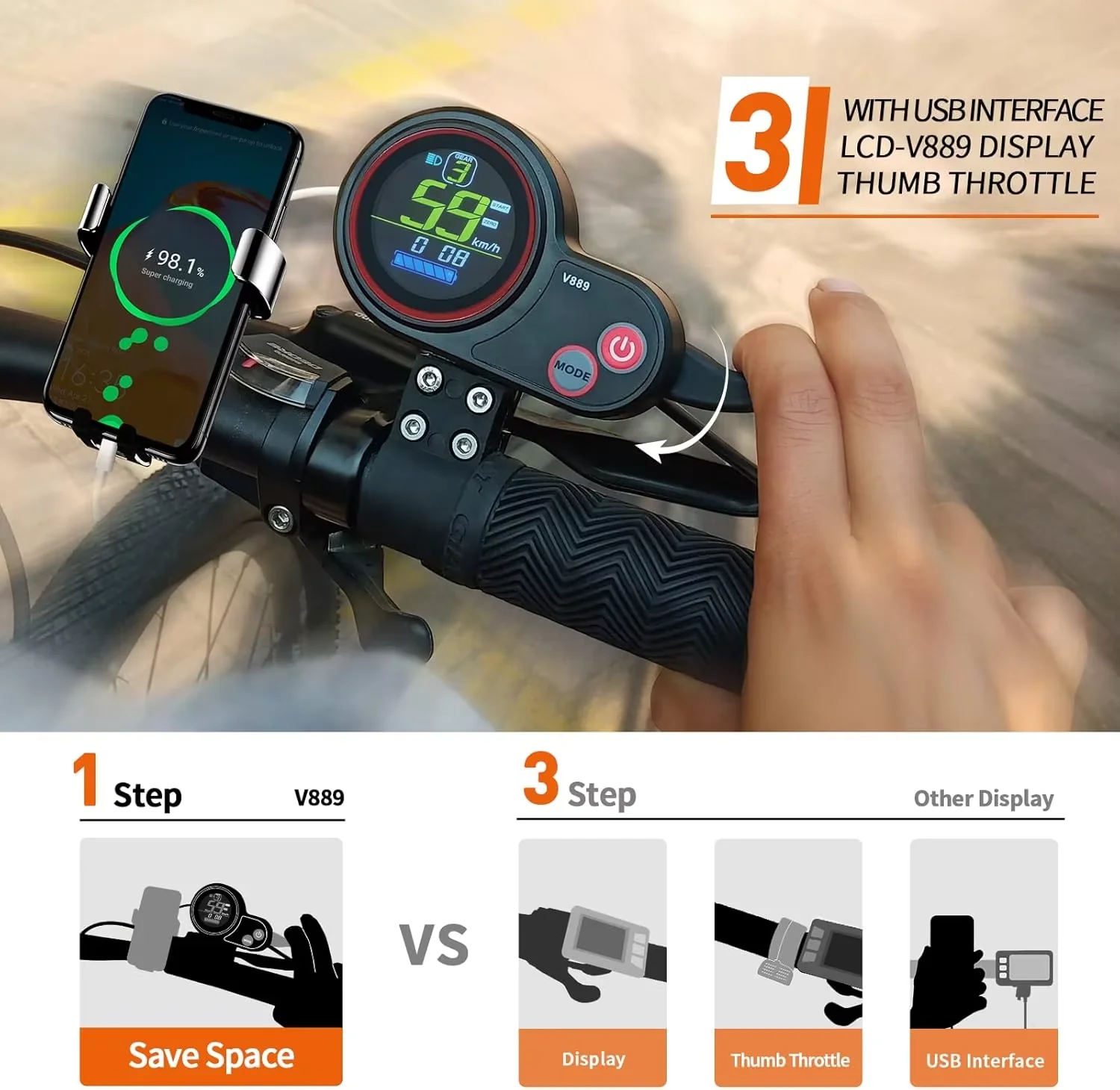
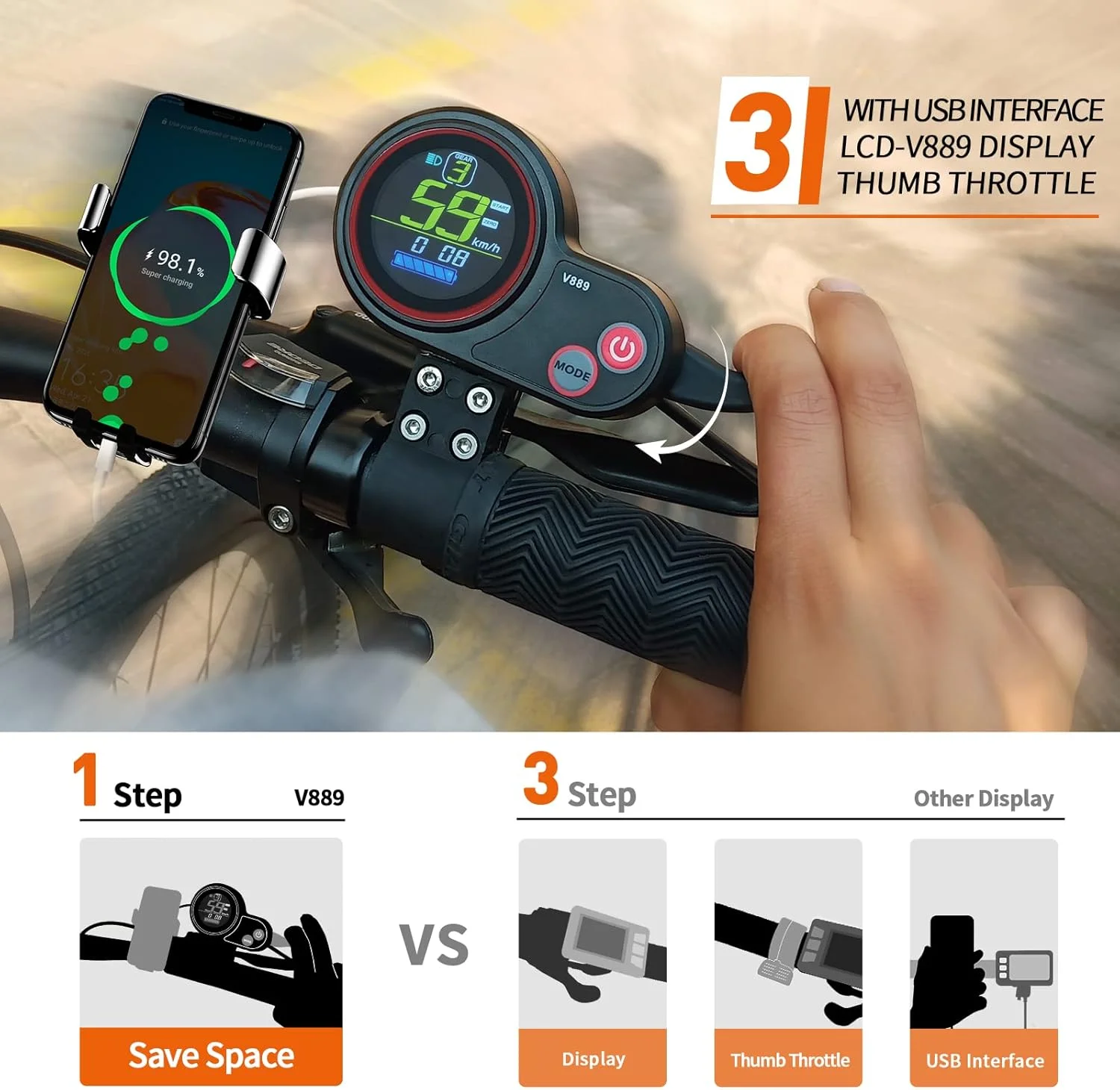
Electric scooter accessories hook finger throttle meter V889 color display with USB interface
Matching voltage 24V/36V/48V/52
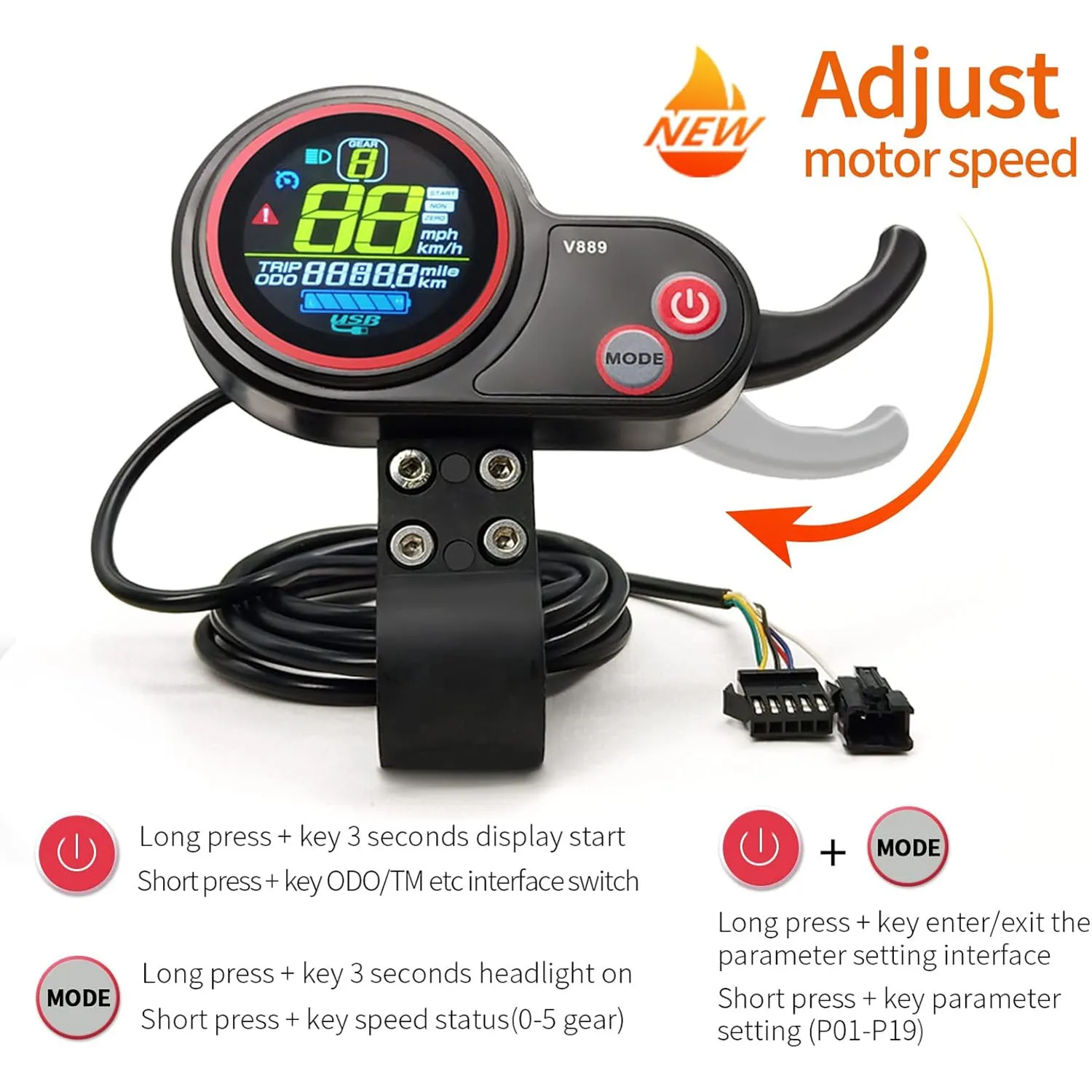
Must match the controller of No. 2 communication protocol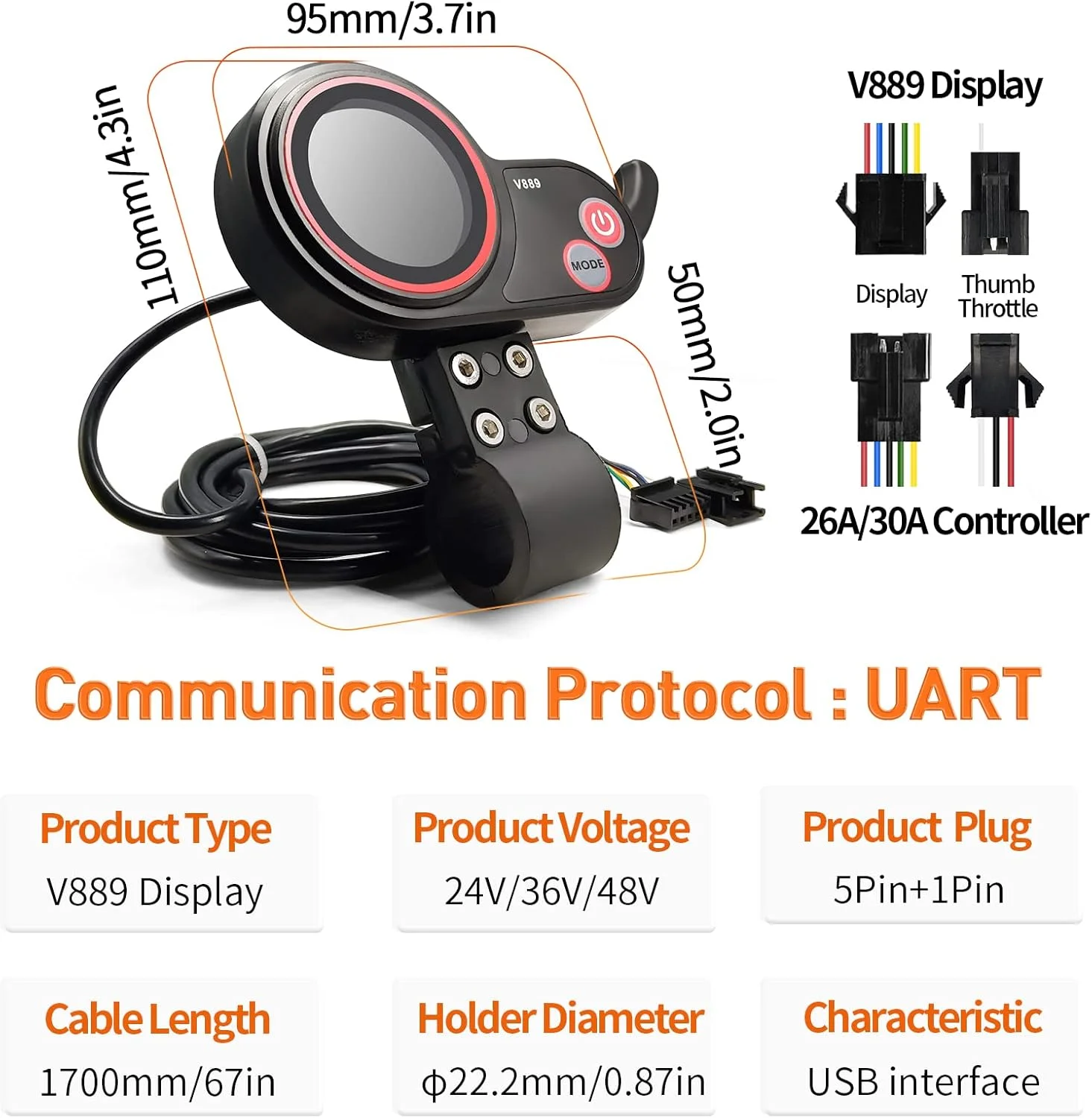 In the setting state, short press the plus or minus key to modify the parameter value.. 2)short press the <Multi-function kev> toswitch the multi-fumctionarea to display data: Because it is easy to be trigered by mistake,short press, do not dothe compound key,but some meters also support two quick short press (alsoknown as double-click on the computer), or multiple short press.
2. Long press (individual butons, generally long pres for more thanl second without releasing to act):Single button long presses aremainly used for less frequent switchingof switching states, such as switching the headlights on and off.
3. Key combination(2 or more keys, long press together), Combination buttons are used for, less frequently used operationsthan singlebutton long presses.Introduction to the specific operation ofthe buttons
1. Modify the power assist gear.
In the regular state, short press the plus button, the booster plus one gear, afterreaching the maximum gear, then plus, switchback to the Minimum gear,Cyclic state.
2.Switch multifunction display area.In the regular state, short press (lulti-function key>, you can generally switchback and forth between the display parameters suclas Total Mileage (0D0), Singlelileage (TRIP), Power On Time (TiME), Battery Voltage, Running Current, Faultcode Indication, etc.(but not every meter supports all the above options).
3.Switching headlights on and off(backlighting on)Press and hold the plus button to turn the headlights on or off.Most gauges have a backlight that is always on, but some have abacklight that chooses to be synchronized on or off depending on whether the headlights are on or off.
4.Switching the meter, also called switching the machinelong press the power on button (i.e. mualti-function button) to turn themeteron or off
5.Instrument Parameters
At the same time long press the plus key+ minus key willenter the parameter setting interface,you can set theparameters are.Backlight Brightness, Mileage Unit, Voltage Level, SleepTime, Boost Gear, Wheel Diameter, Number of Magnets, Speedlimit, 2ero-StartNon-Zero-Start Setting, Drive Mode, BoostSensitivity, Boost Start Strength, Boost Mlagnet Disk lype, Controller Current Limit,0D0 Zero Setting,and more;The setup display is divided into two areas, one is thedisplay of the parameter number, which is usually displayed asP Xx(xxrepresents how many parameters it is, for example, POlrepresents parameter 0l.and regular is the backlightbrightnessof the meter)
One is a display area for parameter valuesIn the setting state, short press the multi-function key, the meter will save, just set the parameter value, and switchto the nextparameter item to display, for example, P0l -> P02short press the plus key, or minus key, you can modify theparameter value, pluslor minusSome parameters have aLarge range, such as wheel diameter, short press the plus or minus key, +l or -l each time is tooinefficient.you can long press the plus kev, the parameter willautomatically enter the fast add mode to improve the operationefficiency.Total mileage (usually P16), if you need to clear 0, youcan pres and hold the plus key for 5 seconds in P16 state, whenthe totalmileage is displayed as 0,that is to complete theclear 0 action.Press and hold the plus and minus keys at the same timeto exit the parameter setting. If the meter has not beenoperated in the
setting state, it will also exit the settingstate automatically after 10 seconds in general to reduce theprobability ofmisoperation.Introduction to Password Functions.Passwords have modes such as poweron password and menupassword, The power on password is requested at poer on, andmust generallybe unlocked within 30 seconds, with automaticshutdown after the timeout to prevent nonstop attempts.Menu Password Whenaccessing the menu, apasswordverification is required to prevent usersfrom modifying thesetup parameters at willpasswords),the For example.long press ,down key + multi-function keyIndividually, passwords can also be changed(especiallybootin3-key mode, multi-function key is the power on kev), vou canenter the password modification mode. After the first passwordinputthe interface will show l, after the new password inputis finished (it can be the same as the old password but not 0), long pressjown key + multi-function key again, then thepassword will be effective and enter into the normal interface, if the two passwordsthen the interface staysin the interface of the second password modification, you needto input the new password fromare different.the beginning, and then enterinto the normal interface again. You need to input the passwordagain, then long press , Down Key+ Multi-function Key again.to confirm.Some meters also support an alternate universal passwordwhich is not changeable.
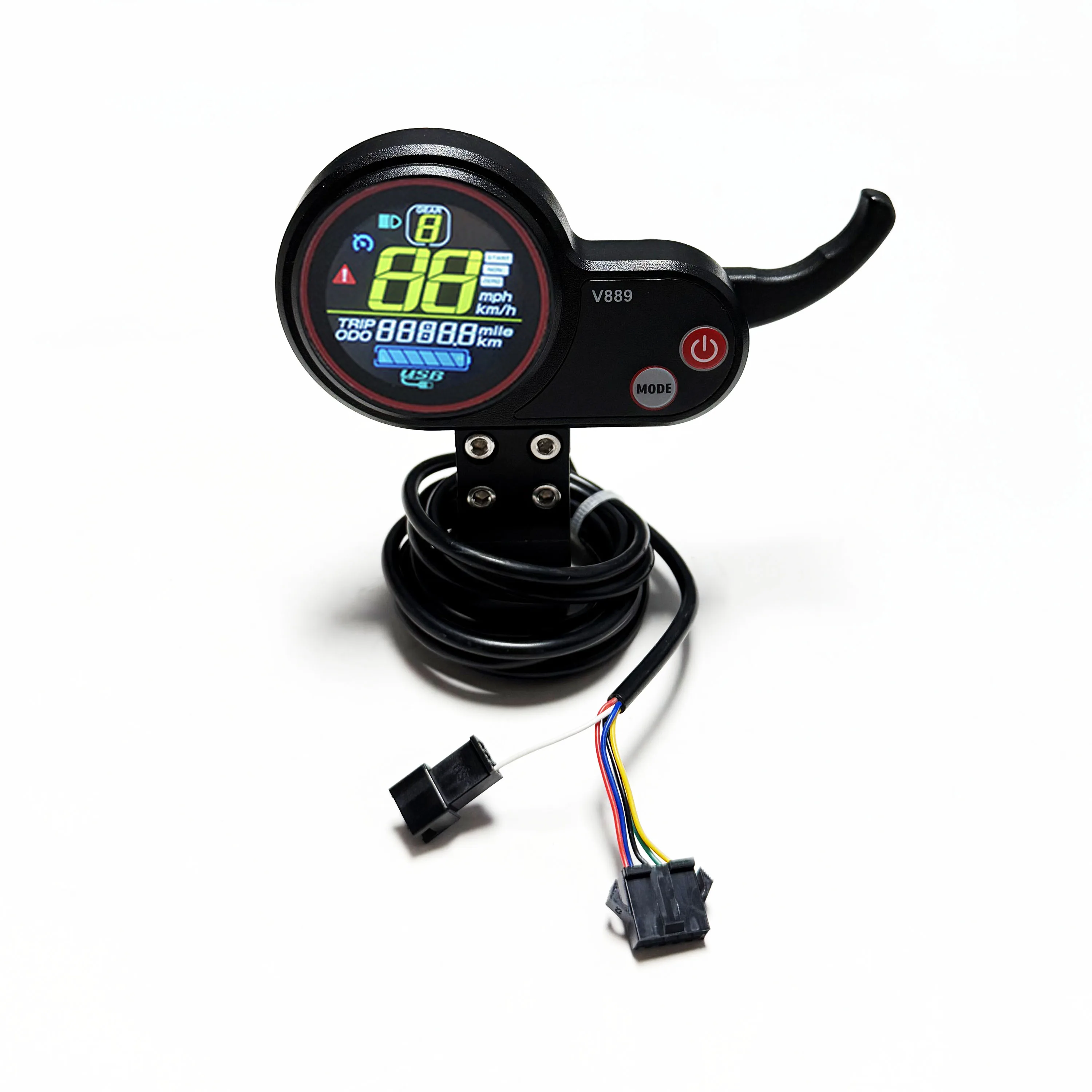
 Type: V889 Display
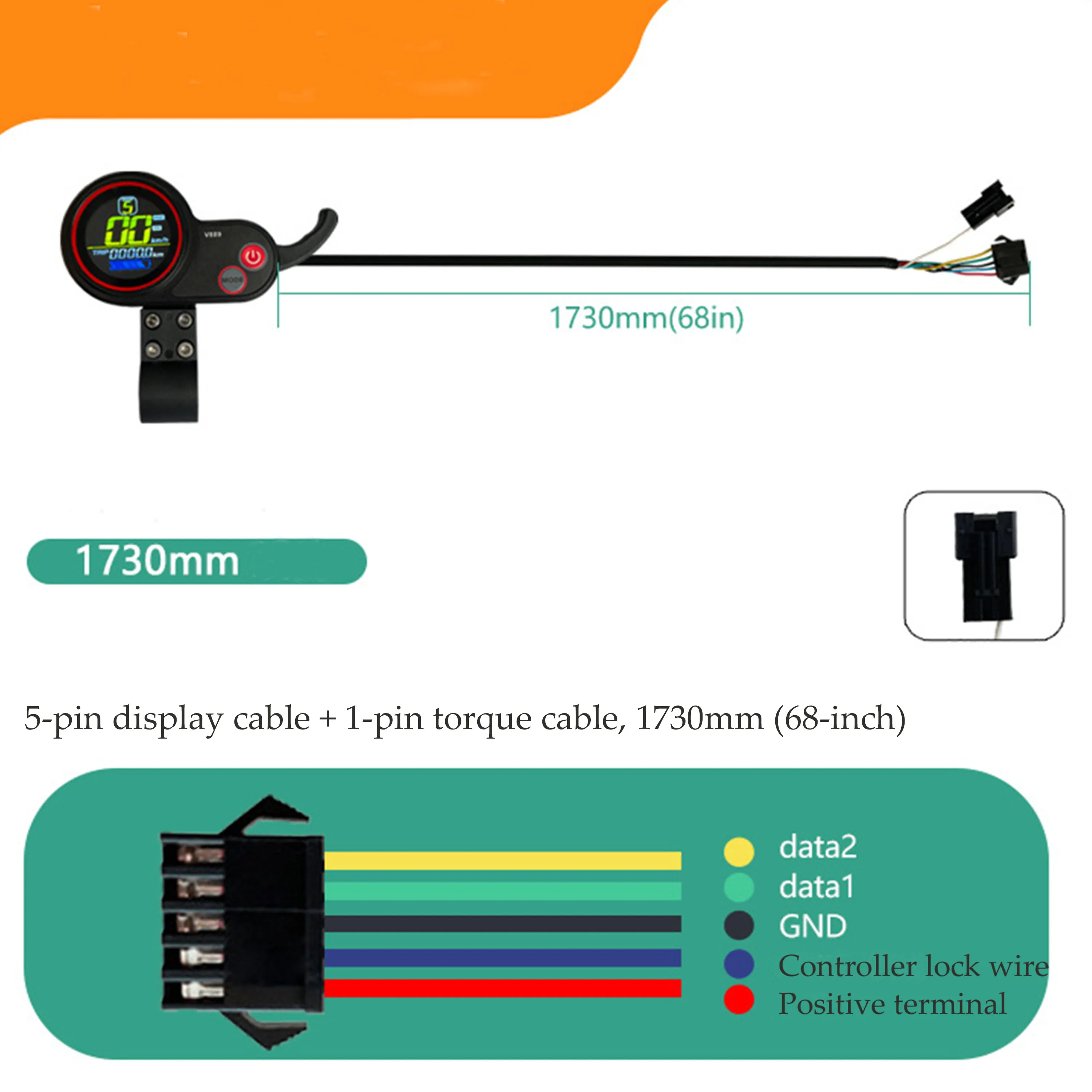
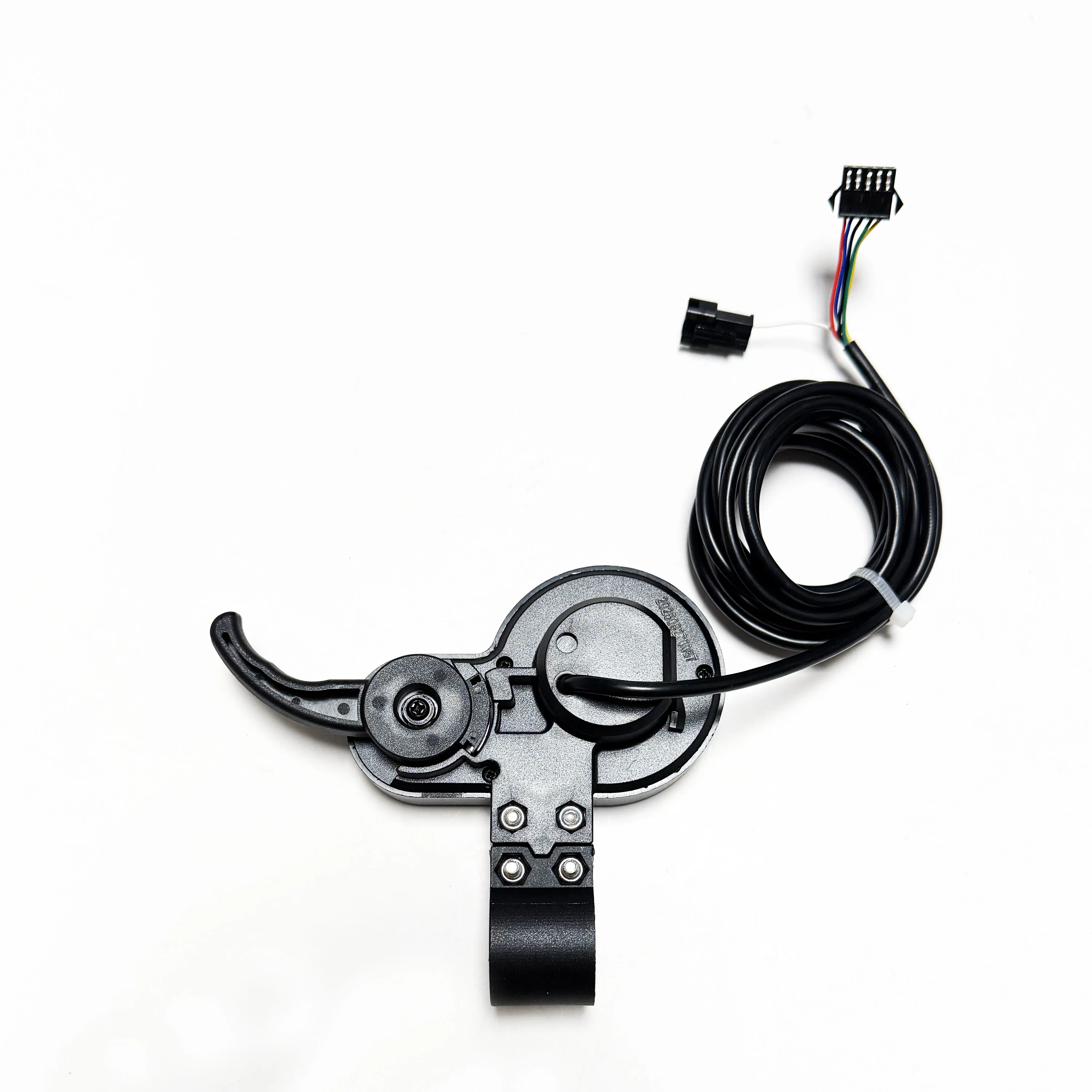
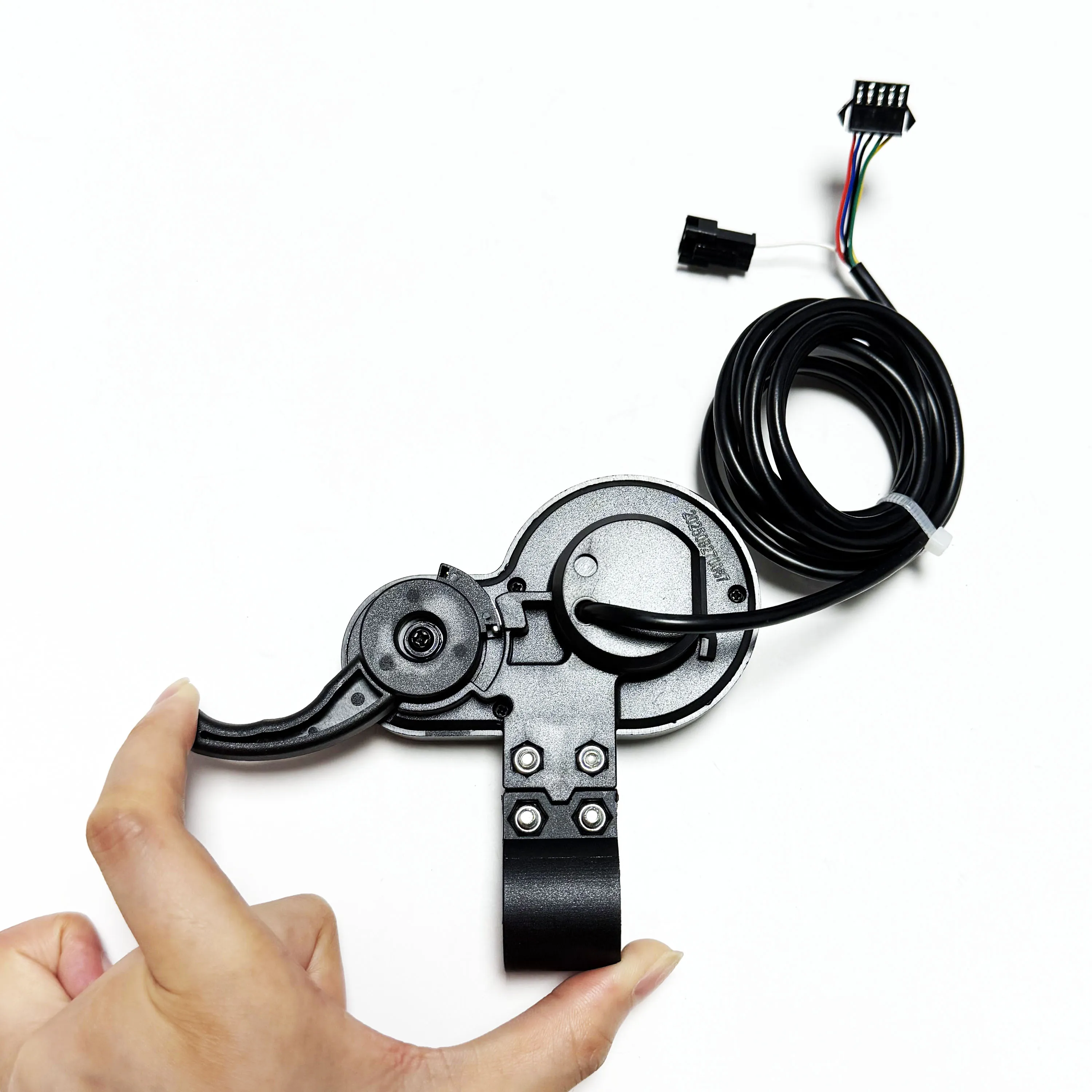
Plug: 6pin
Length:1730mm/68.11in
Material: Plastic
Color: Black
Voltage:24V,36V,48V
Weight: 158g
Function: Power,speed, gear, etc.